

1
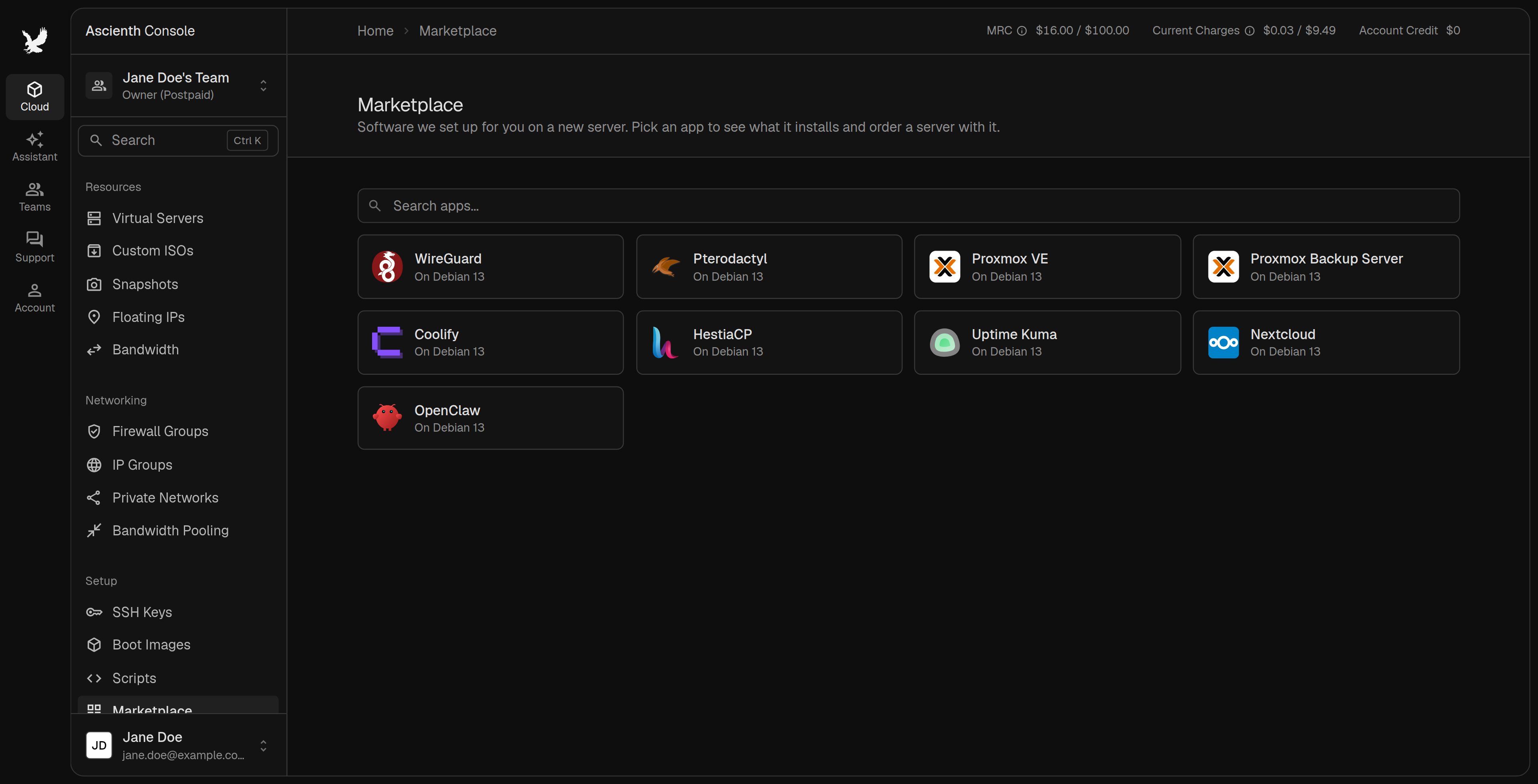
Read the app details
Note the operating system, minimum plan and any setup instructions. Available apps can change.
2
Open the order form
Use the app’s deploy action. The order form opens with the app selected. Choose a location and a plan that meets its requirements.
3
Create the server
Fill in the access settings and check the price. Payment follows the selected team’s prepaid or postpaid billing mode. Create the server and wait for the installation to finish.