
Overview

If you have lost your server’s password, or want to change it, you can set a new one from the Ascienth console. On Linux this changes the root password. On Windows it changes the Administrator password.
In a team, you need a role with the Change server passwords and SSH keys permission. See Team Members.

Resetting the Password

1

Open the Reset Password settings

Open your server, click the “Settings” tab, then “Reset Password”.
2

Enter the new password

Type the new password in Password and click Save.Reset Password section of a server's settings with a new password entered
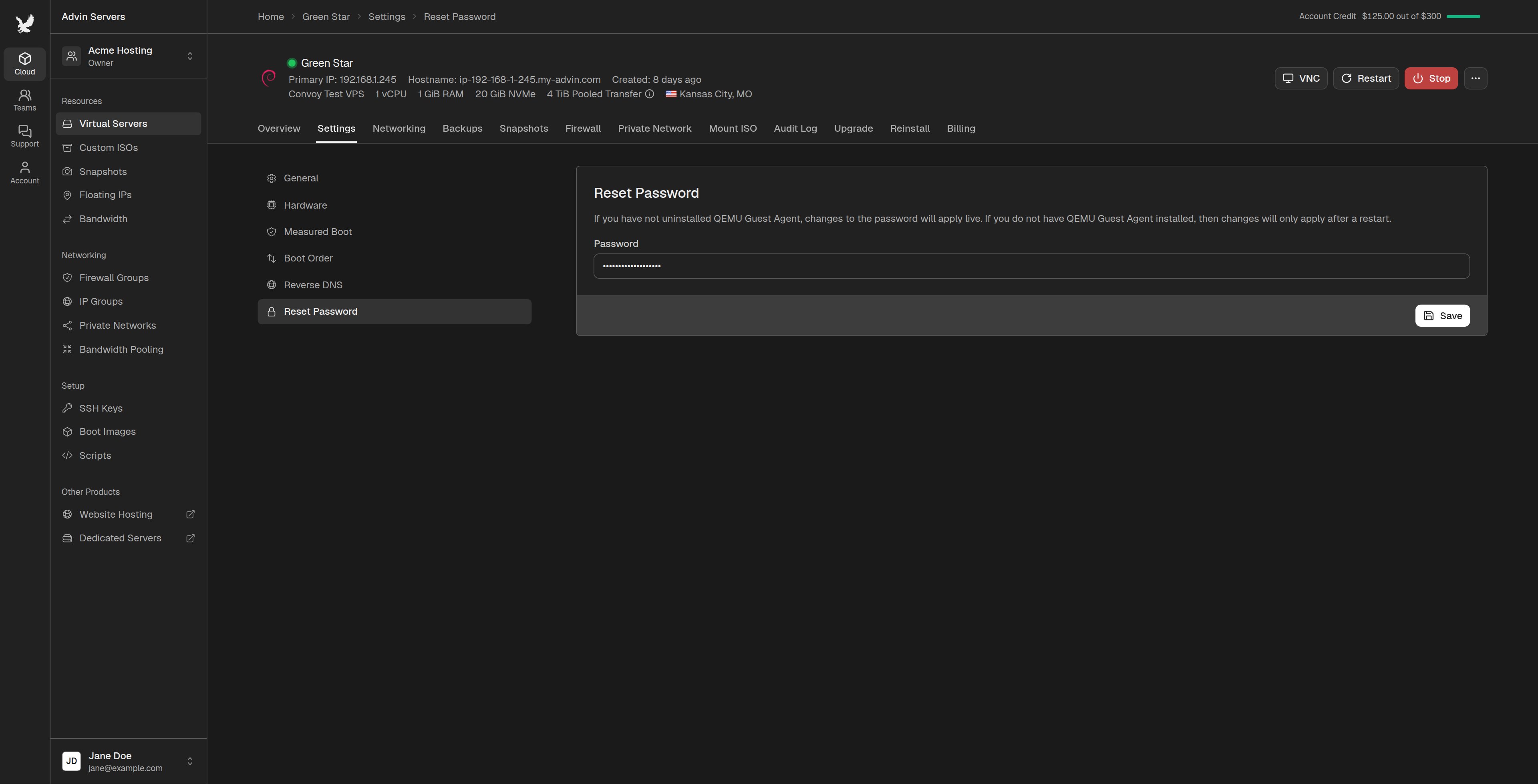
The password must be at least 5 characters long and can only use characters found on a US keyboard.

When the New Password Applies

If the QEMU Guest Agent is running on your server, the new password works right away. If you have uninstalled the QEMU Guest Agent, or your server is off, the new password applies the next time your server starts. Restart the server to use it. Resetting the password does not change the SSH keys on your server.