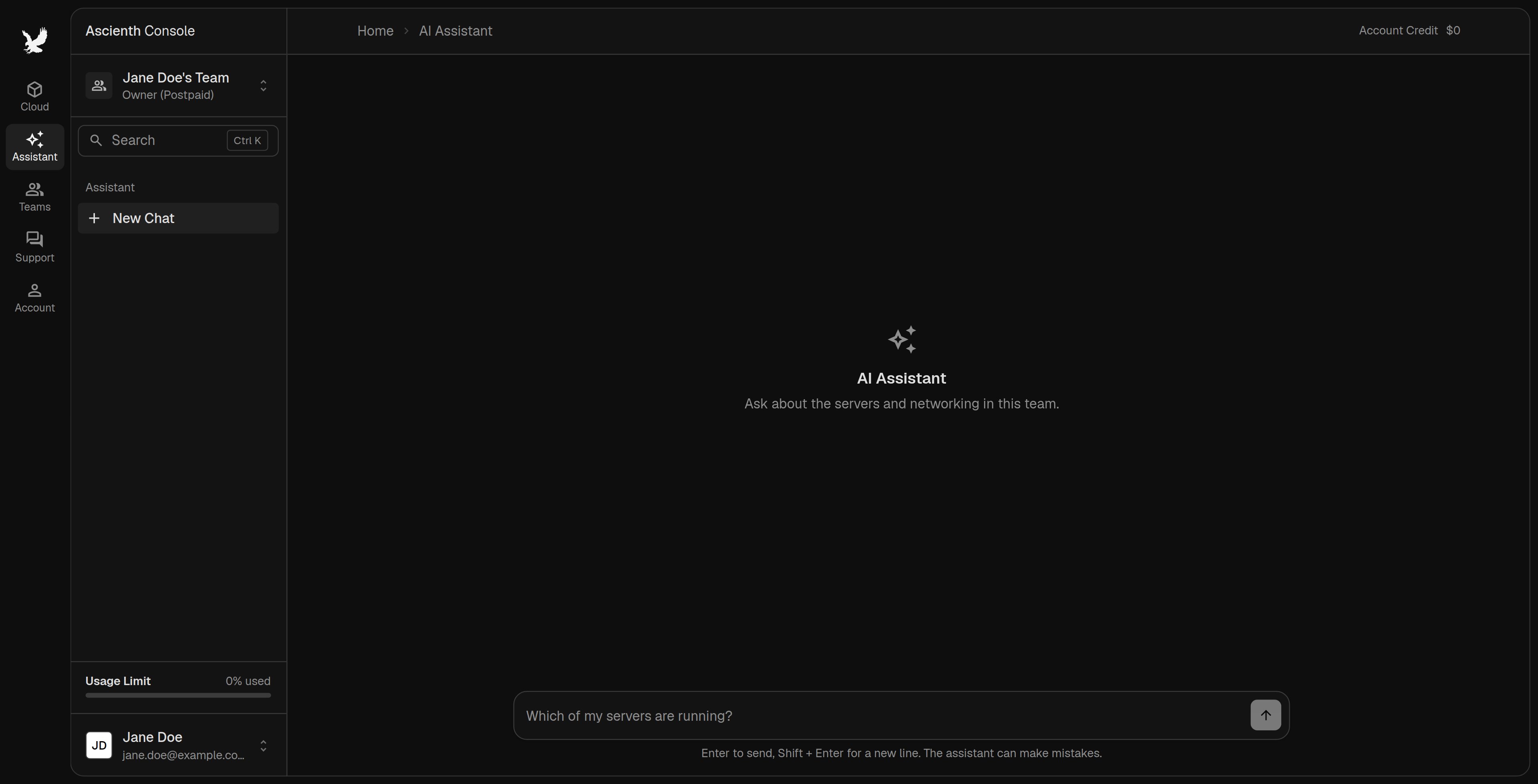
Click “Assistant” in the left rail to ask about servers and networking in the selected team, for example which servers are running or where a network setting is. AI Assistant with a new conversation

Ask a question

1

Select the team

Choose the team from the sidebar menu first.
2

Ask

Start a conversation, type your question and click send or press Enter. Use Shift + Enter for a new line. Earlier conversations are in the assistant sidebar.
If the assistant suggests an action, it waits for your approval. Check the resource name and the proposed change, then accept or reject it. Your team permissions still apply.
The assistant can be wrong. Check its answer before you change a service, and never put passwords or private keys in a message.

Get help from a person

The assistant isn’t support. For billing, account problems or faults, open a support ticket. To turn the assistant off, go to “Account” > “Accessibility” and turn off Use AI features.