Owner (Prepaid) when the selected team is prepaid. New cloud accounts are postpaid, so this page applies only to accounts that still have prepaid teams.
Order a service
1
Select your prepaid team
Use the team menu at the top of the sidebar.
2
Add account credit
Prepaid purchases, including floating IPs, snapshot storage and bandwidth, are paid from account credit. Credit on someone else’s account doesn’t fund your team. The team owner pays for team purchases.
3
Choose a plan and billing cycle
Confirm the price and place the order.
Renew a service
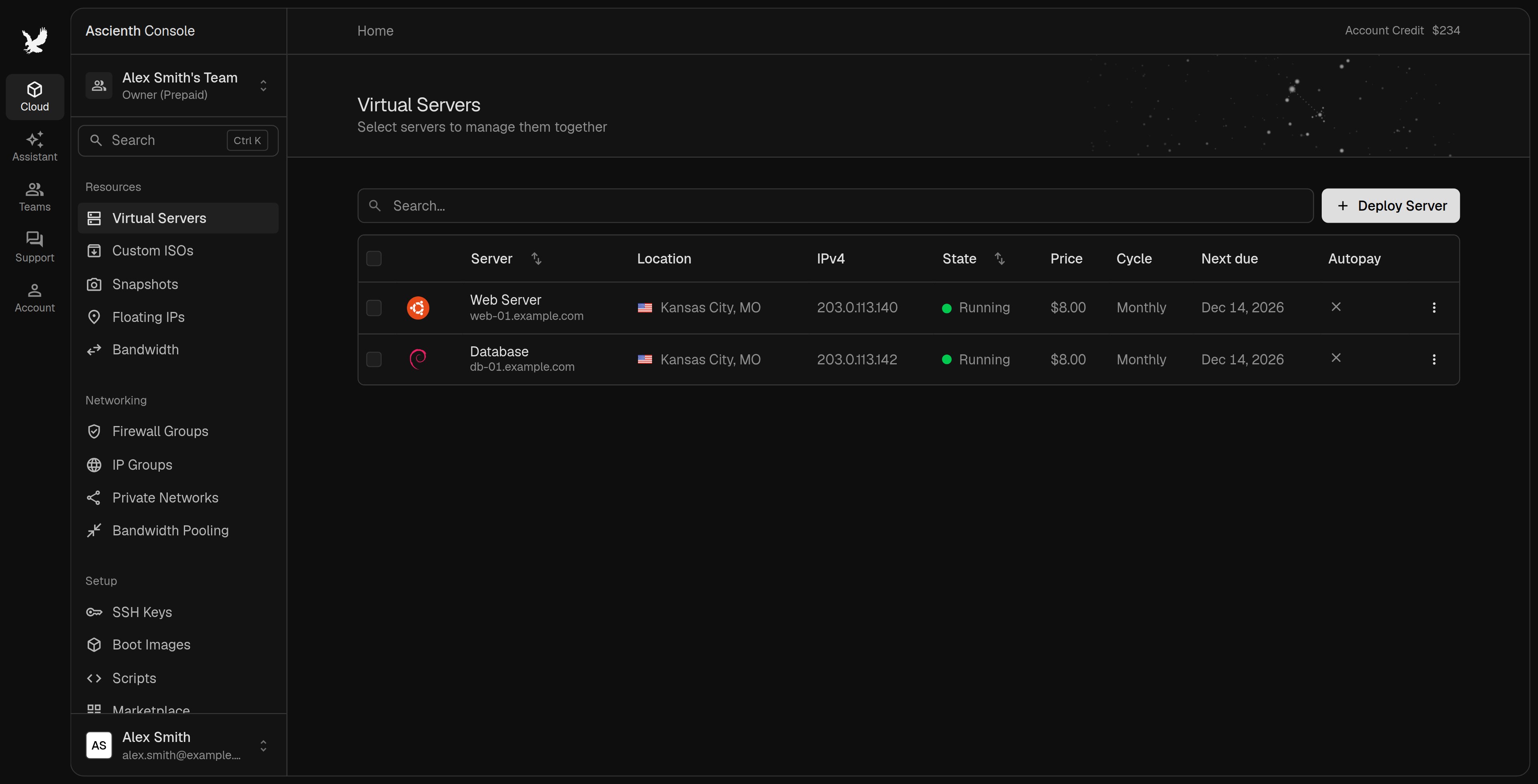
Open the service’s “Billing” tab to see its price, billing cycle and next due date. Pay the renewal invoice by its due date, or set up automatic payments:- Account-wide:
Automatic Paymentson the Billing page charges your default saved method for all services and postpaid invoices. See Automatic payments. - Per service: pays that service with the method selected there, when the account-wide setting is off.
- Account credit: can pay renewals when the service allows it.
Pay invoices from account creditapplies across services and can use part of your balance.
Change the billing cycle
1
Pay any unpaid invoice
Pay unpaid service invoices first.
2
Open the cycle settings
Open the service’s “Billing” > “Billing Cycle” section and choose a cycle.
3
Click Change cycle
The new cycle applies to a future renewal. Your current paid period stays the same.
Cancel a service
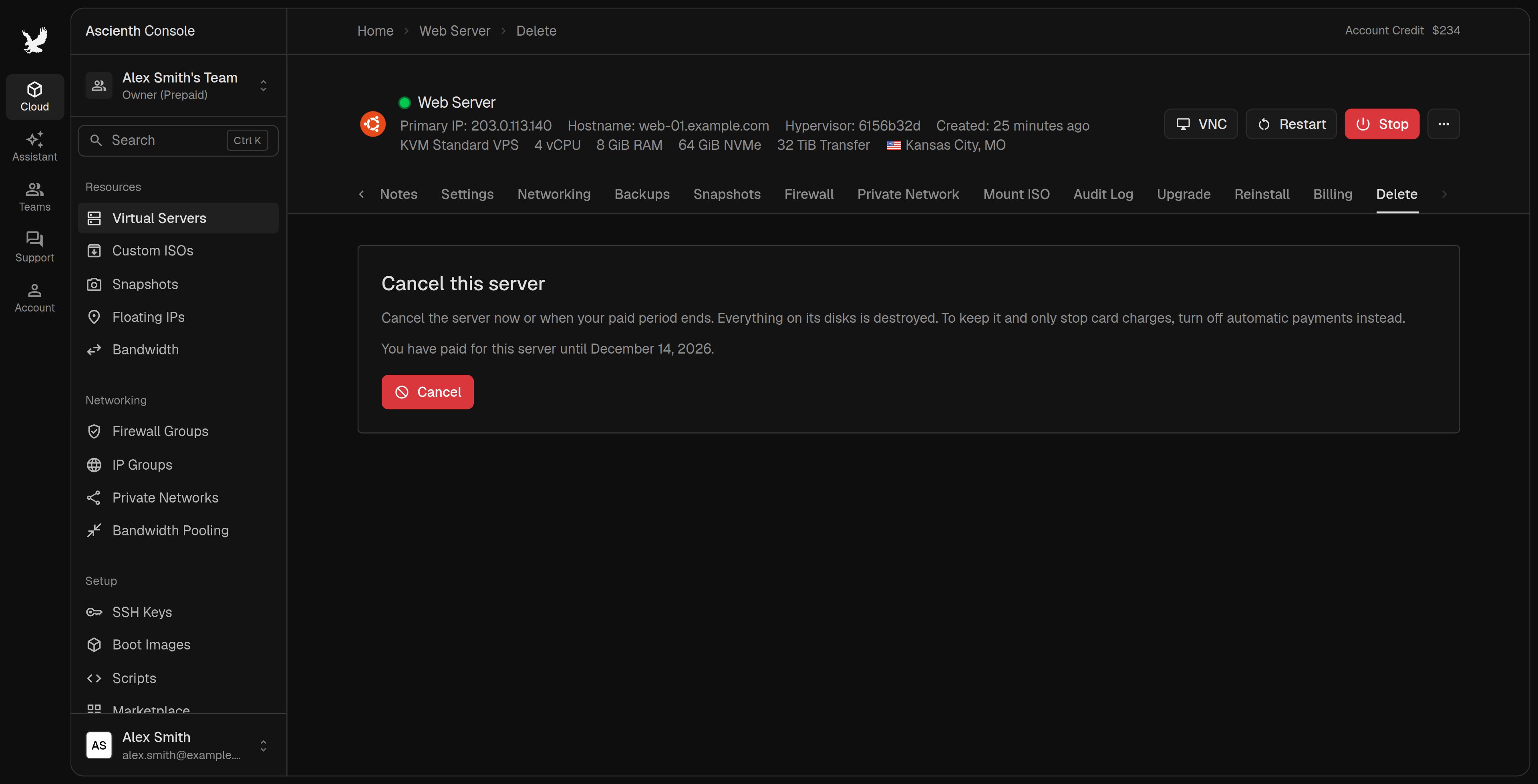
Open the server and choose “Delete”. For a floating IP or snapshot storage, use its menu or billing page. See Cancel Services and Stop Charges for the steps and for resources that keep billing.
Unused time returns as account credit under our Refund Policy. You can withdraw an end-of-period cancellation while the service still exists, then check automatic payments again. Immediate deletion can’t be undone.