

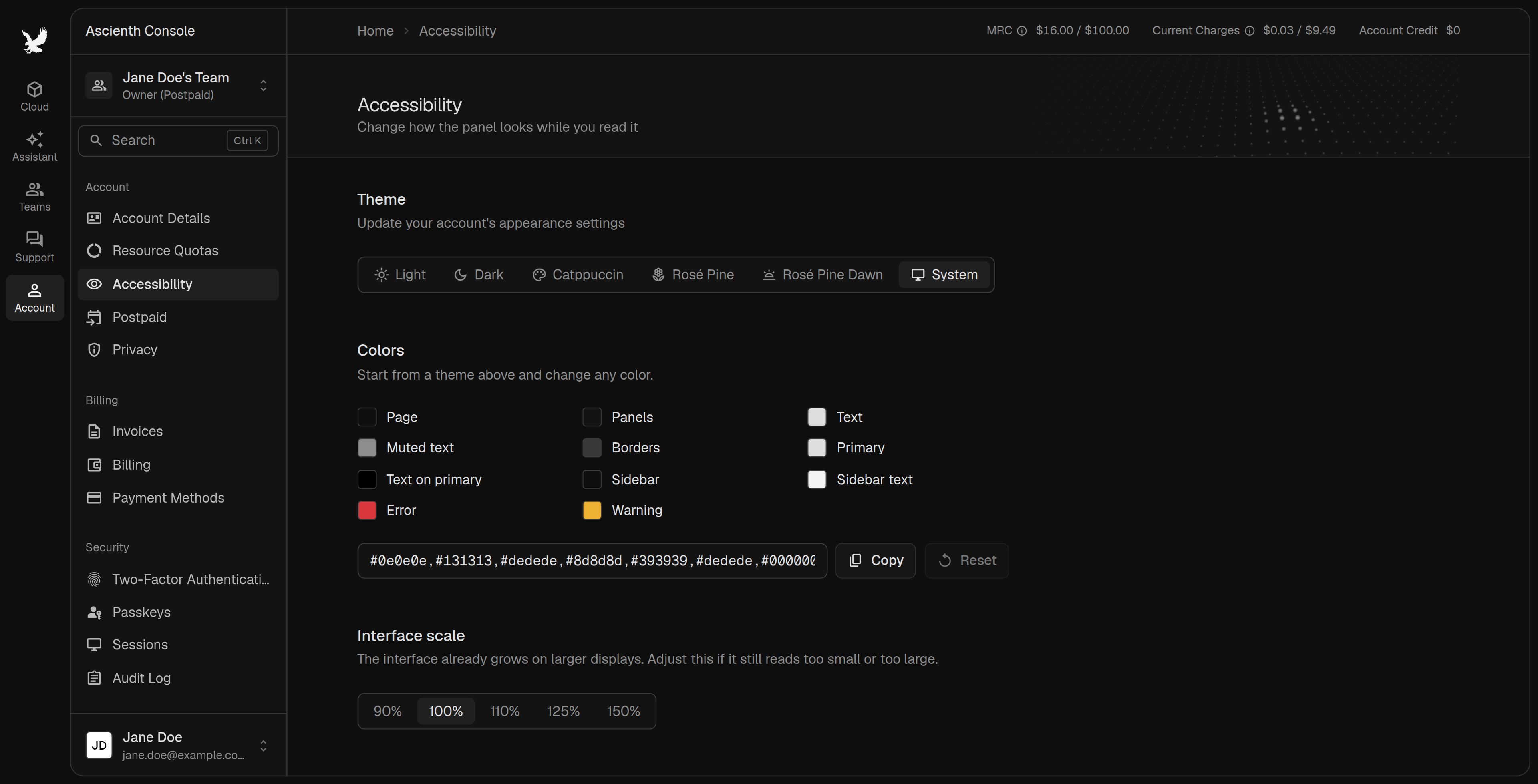
Theme and colors
Pick a theme, orSystem to follow your device. Change individual colors under “Colors”. Reset restores the theme colors and Copy copies your color settings.
Interface size
Set “Interface scale” from90% to 150%.
Showcase mode
Turn onBlur personal details before sharing your screen. It blurs names, email addresses, IP addresses and hostnames, and hides billing totals in the top bar. Check what’s visible before you share, and don’t open secrets or sensitive messages.
AI features
Turn offUse AI features to disable the AI assistant on your account. See AI Assistant.