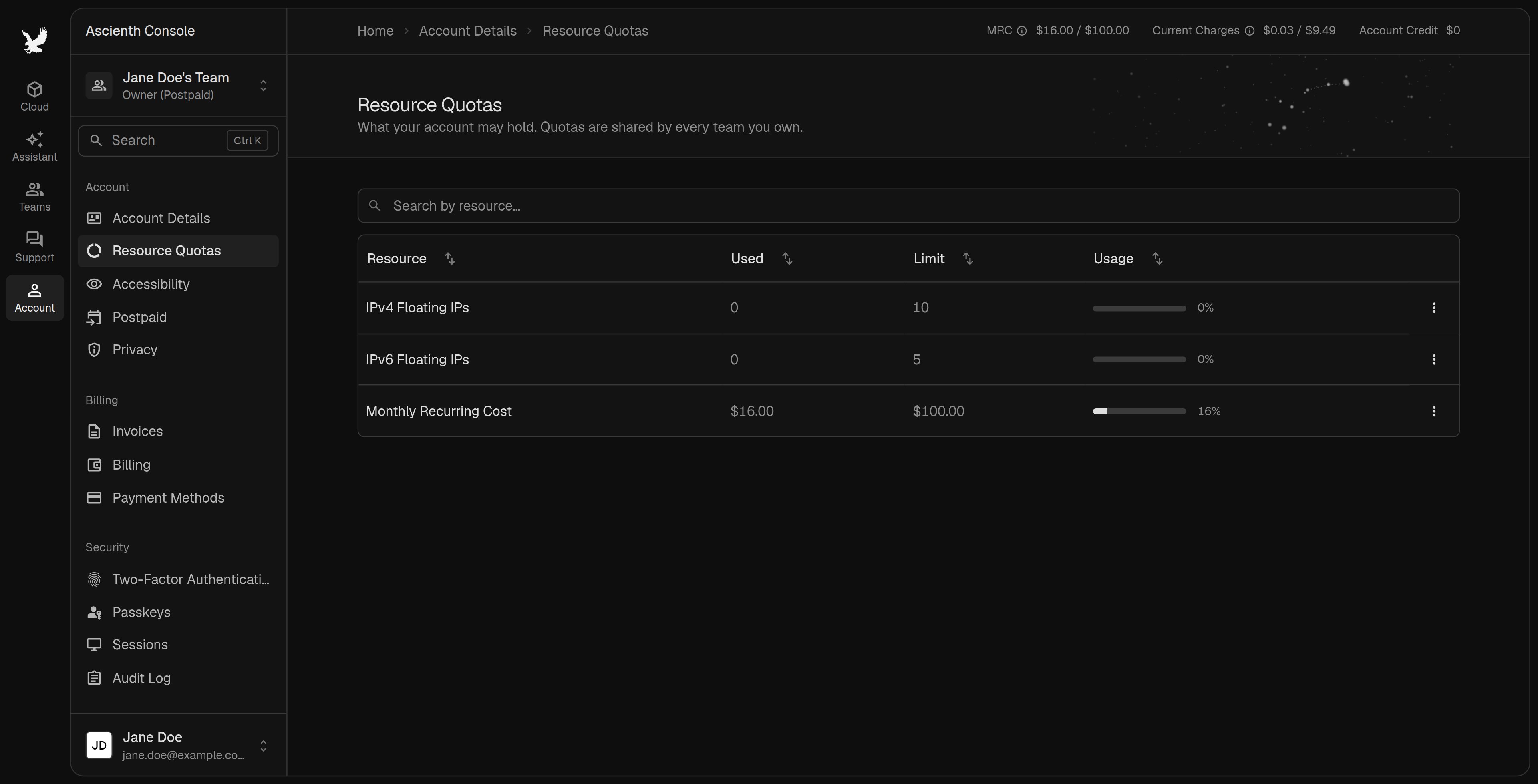
Open “Account” > “Resource Quotas” to see what your account uses and its limits. The limits are shared by every team you own, so creating a team doesn’t add allowance. Resource quotas showing floating IP limits and monthly recurring cost

Request an increase

1

Open the row menu

Find the resource and choose Request increase. The console opens a support message with the current limit.
2

Send the ticket

Say how much more you need and what for.
A request doesn’t raise the limit immediately. Wait for our reply before ordering something that needs it.

Monthly recurring cost

The “Monthly Recurring Cost” row compares your current postpaid resources against the account limit. Its menu can take you to add funds. For how deposits raise the limit and what else counts against it, see Credit limit. A new team doesn’t bypass an account restriction.