

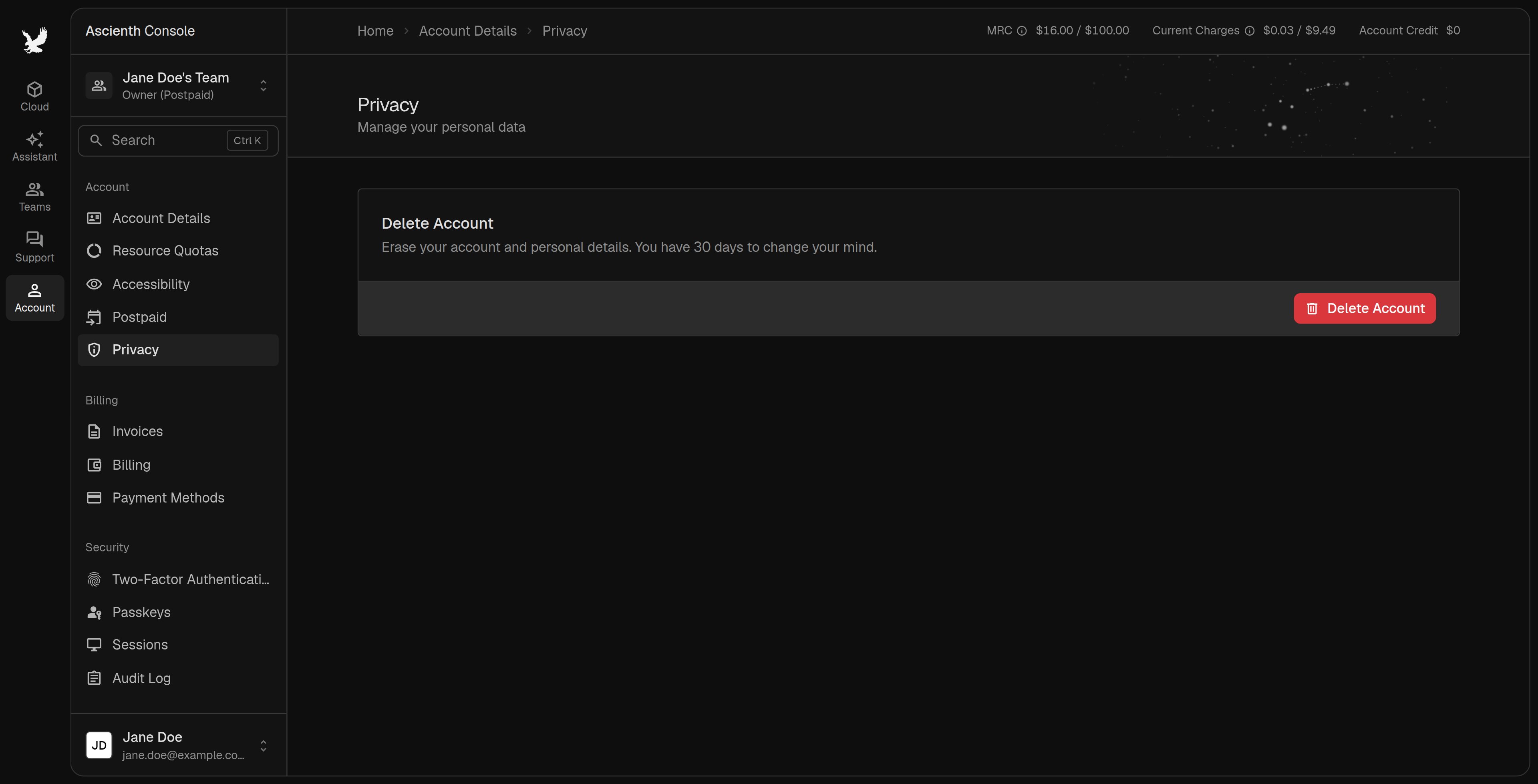
Before you delete
Clear these first. The deletion page lists whatever still needs attention, and if billing can’t be checked, try again later.- Cancel or delete services in every team you own.
- Withdraw outstanding orders.
- Release floating IPs and bandwidth, and remove prepaid snapshot storage.
- Pay outstanding postpaid invoices.
Delete your account
1
Open Delete Account
On “Privacy”, click 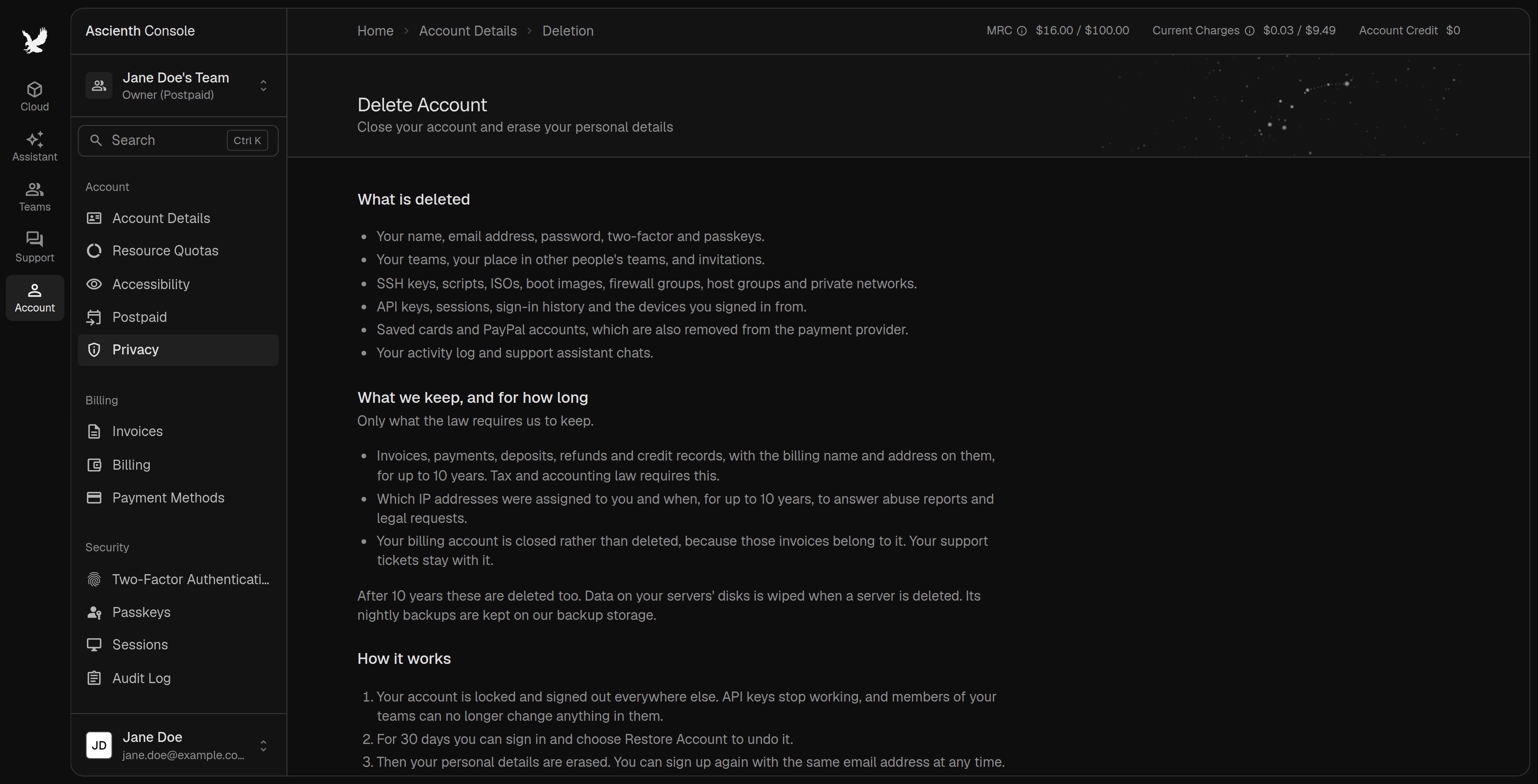
Delete Account and read what will be deleted and kept.2
Clear any blockers
Cancel or delete the items listed, then return to this page.
3
Confirm
Click
Delete Account and enter your password. The page shows the date your personal details will be erased.Change your mind
You have 30 days to sign in and chooseRestore Account. Services you deleted before requesting deletion don’t come back. Once personal details are erased, they can’t be recovered.